Frequently asked
Straight answers about how Kalvo works.
- Is it really a one-time payment?
- Yes. Pay once and your card stays live forever. No renewals, no subscriptions, no hidden charges — lifetime access.
- How do I share my card?
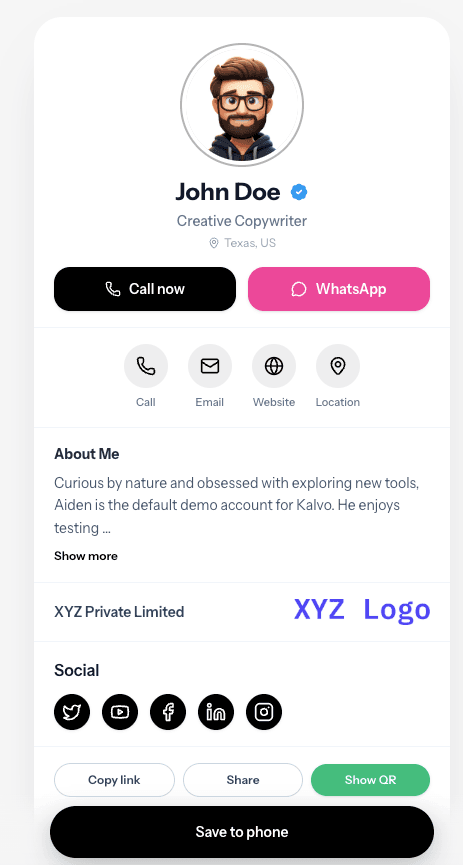
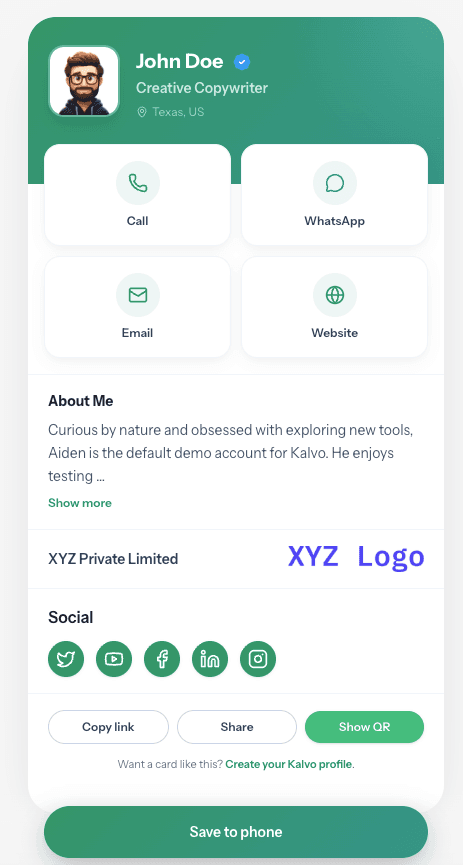
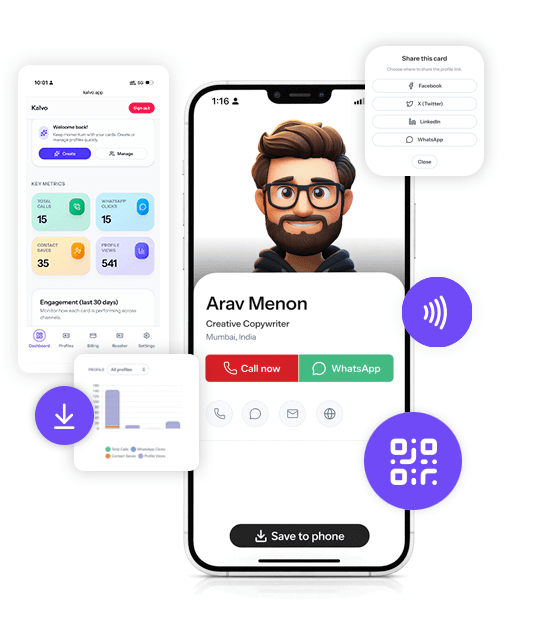
- Share your profile link via WhatsApp or email, show the QR code for instant scanning, or add the link to your Instagram bio — it works everywhere.
- Can I update my card after publishing?
- Absolutely. Log in anytime and update your details — phone number, links, photo, anything. Your card updates instantly everywhere it's been shared.
- Can I share my card on WhatsApp?
- Yes. Just copy your Kalvo link and paste it in any WhatsApp chat. The receiver taps it and sees your full card instantly — no app needed on their end.
- Can customers pay me through my card?
- Yes. Add your UPI ID and visitors can pay you with one tap in Google Pay, PhonePe or any UPI app, or by scanning the UPI QR code. The money goes straight to your bank account and Kalvo takes no commission.
- Can I make a card for my shop or business?
- Yes. Choose Business when you create a card to add opening hours with a live Open now badge, your list of services and a Get directions button. Customers can send you an enquiry from the card.
- Can people share their contact with me?
- Yes. Visitors can share their name and phone number from your card. You get an email straight away, and every lead is saved in your dashboard with one-tap WhatsApp and call buttons.
- Do I need to install an app?
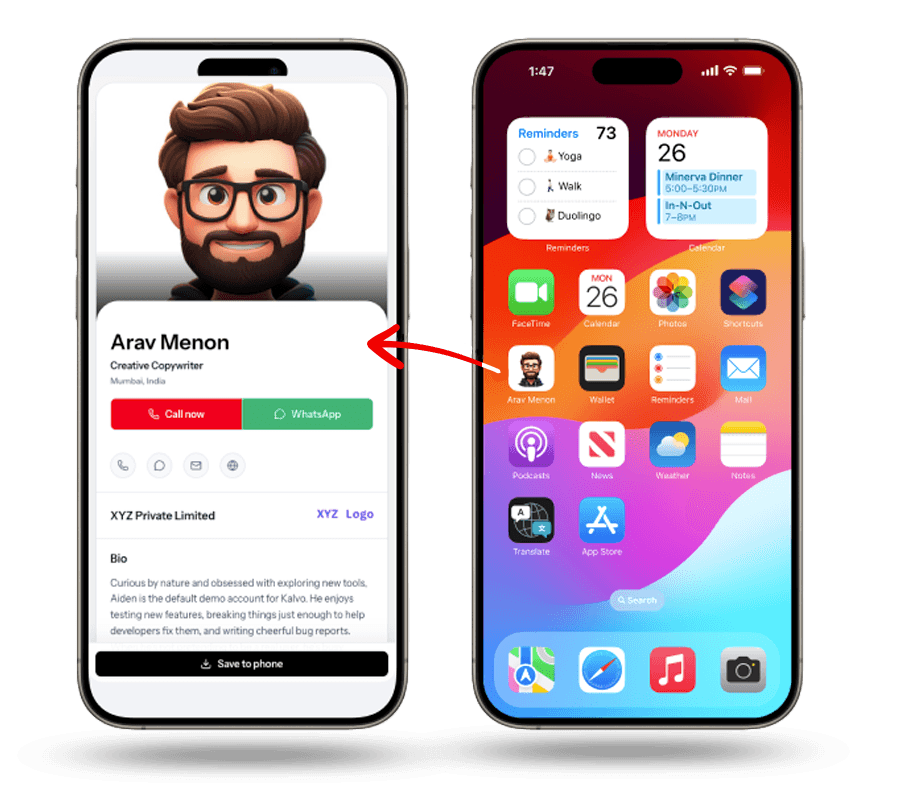
- No app required. Your card opens in any browser. You can also add it to your phone's home screen as a PWA — it works just like an app.
- Can I use my own NFC card?
- Yes. Programme any NFC card or sticker to point to your Kalvo link and you're done. Works with QR too.

 Google Pay
 PhonePe