
Getting started
How to sign up
Create your Kalvo account in minutes and get access to your dashboard.
Step-by-step
- Visit the Kalvo homepage and click Create your card.
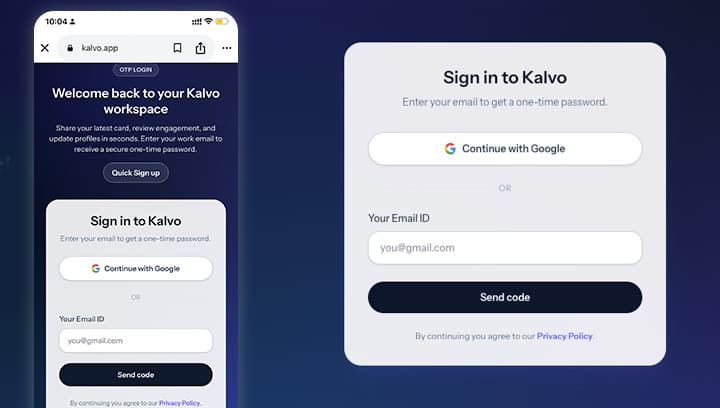
- Sign in or create an account with your email, or use Login with Google.
- Confirm your email if prompted, then continue to your dashboard.
Screenshot
Tips
- Use a work email so invoices and updates go to the right inbox.
- If you do not see the email, check spam or promotions.
Need help? Email support@kalvo.app.